
#Installation
Note This addon requires sqlite to be installed to work
-
Install Statamic Redirect from the
Tools > Addonssection of your control panel, or via composer:composer require rias/statamic-redirect
#Usage
Redirect allows you to redirect legacy URLs, so that you don't lose SEO value when rebuilding & restructuring a website.
Redirect supports traditional exact and RegEx matching of URL patterns.
Redirect will also automatically create a redirect for you if you change an entry's slug or uri.
Unlike utilizing .htaccess to do redirects, Redirect does not add overhead to each request for each redirect you have in place.
Redirect has no impact on your website's performance until a 404 exception happens.
#Configuration
You can publish the config file using
php artisan vendor:publish --tag=statamic-redirect-config#Widgets
This addon comes with the following widgets:
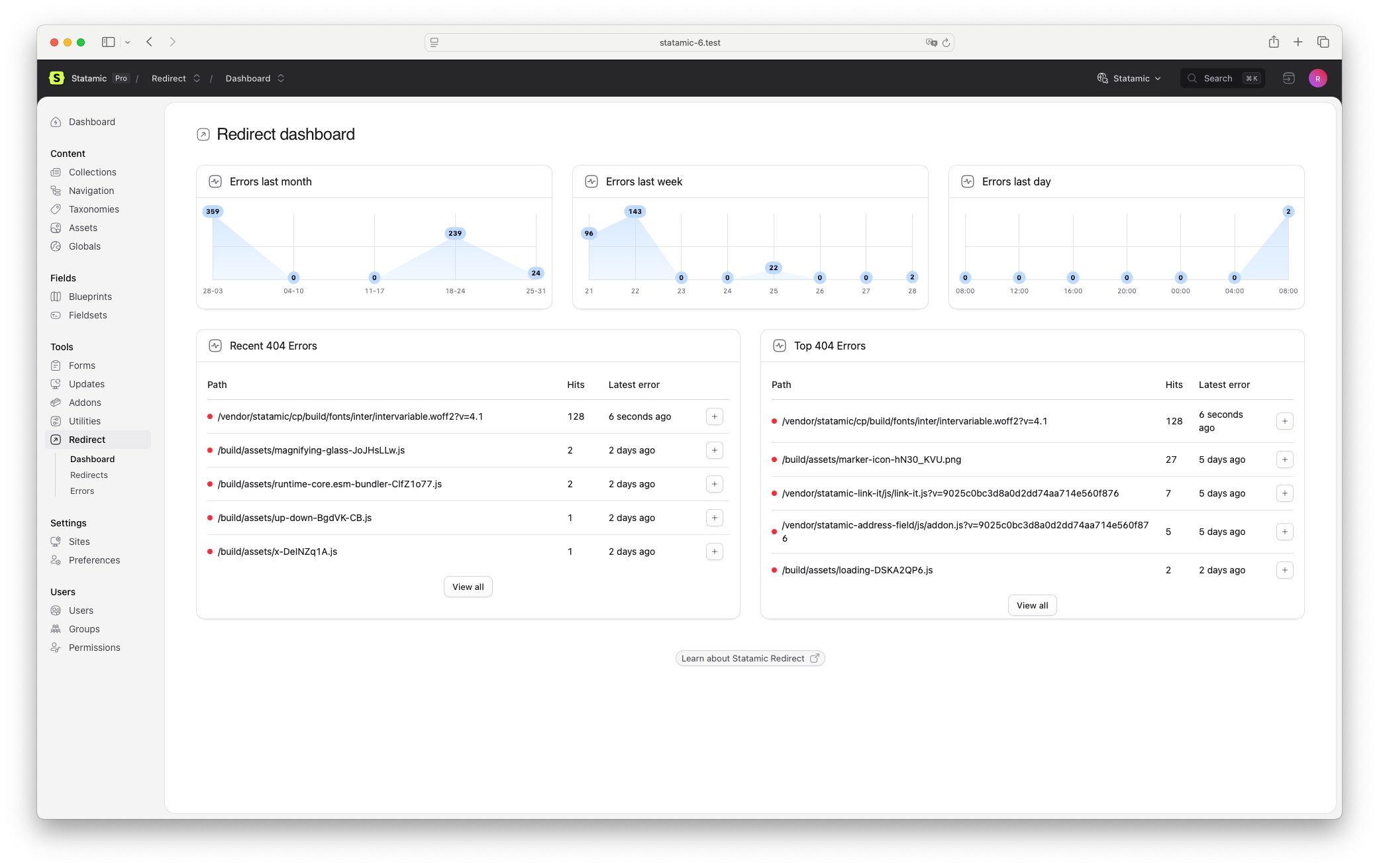
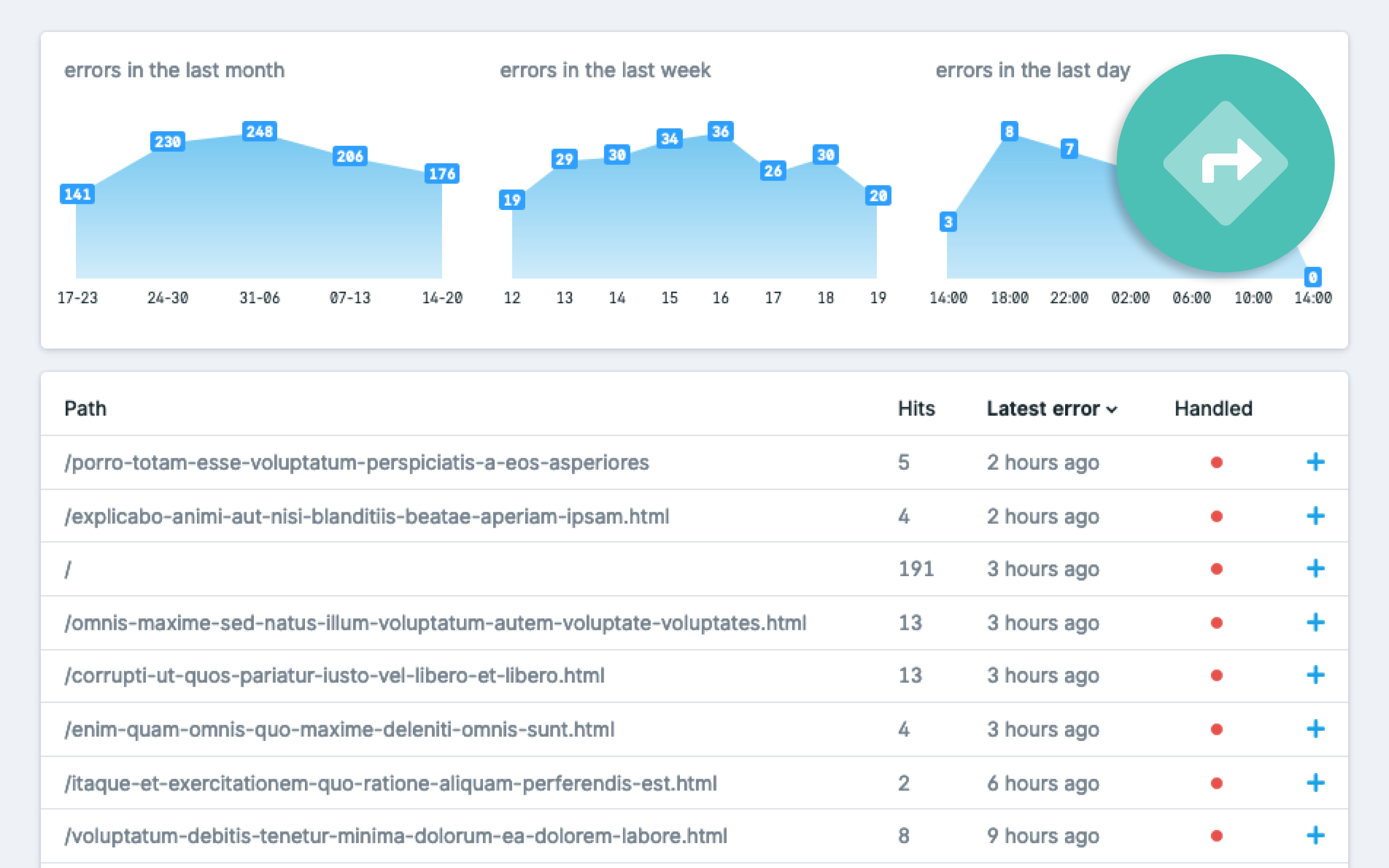
errors: for a listing of the most recent errorserrors_last_month: the same chart as in the redirect dashboarderrors_last_week: the same chart as in the redirect dashboarderrors_last_day: the same chart as in the redirect dashboard
Widgets can be added to the dashboard by modifying the widgets array in the config/statamic/cp.php file.
// config/statamic/cp.php 'widgets' => [ [ 'type' => 'errors', 'limit' => 5, ], 'errors_last_month', 'errors_last_week', 'errors_last_day',],Like the default widgets of Statamic, you can also configure title& width of the widgets.
#Logging errors
By default, Statamic Redirect will create error logs, you can disable this by setting the log_errors config value to false.
#Logging individual hits
By default, Statamic Redirect will also keep individual hits for each error, you can disable this by setting the log_hits config value to false.
#Create entry redirects
By default, Statamic Redirect will create redirects when the URI of an entry changes. You can disable this by setting the create_entry_redirects config value to false.
Note If this entry has any children in a structure, it will only create a redirect for the entry that was changed. None of its children.
#Deleting entry conflicting redirects
By default, Statamic Redirect will delete redirects when a saved entry's URI conflicts with the redirect. You can disable this by setting the delete_conflicting_redirects config value to false.
#Preserving query strings
By default, Statamic Redirect will not preserve query strings. You can set the preserve_query_strings config value to true to enable this behavior.
#Cleaning errors
The amount of errors can grow quickly, Statamic Redirect includes a scheduled command that by default cleans up errors older than 1 month.
You can disable the cleaning by setting the clean_errors config value to false. Or change the date range by changing the clean_older_than config value. This accepts a value that is parsed by PHP's createfromdatestring function.
Make sure your Schedule is running for error cleaning to work.
#Static Site Redirects
When using Statamic's Static Site Generator, server-side redirects won't work out of the box. Statamic Redirect can generate platform-specific redirect files for popular static hosting providers.
#Netlify
Generate a netlify.toml file with redirect rules:
php please redirect:generate-netlify-redirectsIf a netlify.toml file already exists, you will be asked for confirmation before overwriting it.
#Cloudflare Pages
Generate a _redirects file:
php please redirect:generate-cloudflare-redirects#Vercel
Generate or update a vercel.json file with redirect rules:
php please redirect:generate-vercel-redirectsUnlike the other commands, this will merge the redirects into an existing vercel.json file, preserving any other configuration you have (build settings, rewrites, headers, etc.).
#Notes
- 410 status codes are converted to 301, as none of these platforms support 410 in their redirect configuration.
- Regex redirects are automatically converted to each platform's native syntax:
- Netlify & Cloudflare:
(.*)→*,$1→:splat - Vercel:
(.*)→:path*,$1→:path*
- Netlify & Cloudflare:
- Exact match redirects are left unchanged.
#REST API
Statamic Redirect integrates with Statamic's REST API to provide read-only access to your redirects.
#Enabling the API
Make sure Statamic's REST API is enabled in config/statamic/api.php:
'enabled' => true,#Endpoints
List all redirects
GET /api/redirectsReturns a paginated list of all redirects.
Get a single redirect
GET /api/redirects/{id}Returns a single redirect by its ID.
#Filtering
You can filter results using query parameters:
| Parameter | Description | Example |
|---|---|---|
filter[site] |
Filter by site handle | ?filter[site]=default |
filter[enabled] |
Filter by enabled status | ?filter[enabled]=true |
filter[match_type] |
Filter by match type (exact or regex) | ?filter[match_type]=exact |
filter[type] |
Filter by redirect type (301, 302, 410) | ?filter[type]=301 |
#Example Response
{ "data": [ { "id": "abc-123", "enabled": true, "source": "/old-page", "destination": "/new-page", "destination_type": "url", "destination_entry": null, "type": 301, "match_type": "exact", "site": "default", "order": 0, "description": null, "last_used_at": "2024-01-15T10:30:00+00:00" } ], "links": { "first": "...", "last": "...", "prev": null, "next": "..." }, "meta": { "current_page": 1, "from": 1, "last_page": 5, "per_page": 15, "to": 15, "total": 75 }}#GraphQL API
Statamic Redirect also integrates with Statamic's GraphQL API.
#Enabling GraphQL
Make sure Statamic's GraphQL is enabled in config/statamic/graphql.php:
'enabled' => true,#Queries
List redirects
{ redirects(limit: 20, page: 1) { data { id enabled source destination destination_type destination_entry type match_type site order description last_used_at } }}Arguments
| Argument | Type | Default | Description |
|---|---|---|---|
limit |
Int | 20 | Number of redirects per page |
page |
Int | 1 | Page number |
site |
String | null | Filter by site handle |
enabled |
Boolean | null | Filter by enabled status |
match_type |
String | null | Filter by match type (exact or regex) |
type |
Int | null | Filter by redirect type (301, 302, 410) |
Get a single redirect
{ redirect(id: "abc-123") { id enabled source destination type match_type site }}#Example Usage
Filter enabled redirects for a specific site:
{ redirects(site: "default", enabled: true, limit: 10) { data { source destination type } }}#Different storage
If you want to use a different storage method for errors or redirects, change them in the config file.
#Errors
By default, errors are stored using the built-in redirect-sqlite connection. Picking another connection can be useful when logging a lot of errors & hits. To do this, change the error_connection config value. Provide default to use the default Laravel connection.
When using a connection other than
redirect-sqlite, make sure to publish (and run) the corresponding migration usingphp artisan vendor:publish --tag="statamic-redirect-error-migrations".
#Redirects
By default, errors are stored in the content/redirects folder. Update the redirect_store config value to use a different folder.
It is also possible to store your redirects in the database. To do this, change the redirect_connection config value. Provide default to use the default Laravel connection.
When using a connection other than
stacheorredirect-sqlite, make sure to publish (and run) the corresponding migration usingphp artisan vendor:publish --tag="statamic-redirect-redirect-migrations".