

A Statamic addon that adds a Field Item Relationship fieldtype. With Field Item Relationship you can select a value from a source field's items. That source field could be a sibling or ancestor field (in the same blueprint), or come from a Global set.
Installation
Install this addon using composer.
composer require eminos/statamic-field-item-relationshipStatamic support
| Statamic version | Addon version | Addon branch |
|---|---|---|
| Statamic 3-5 | 1.x |
1.x |
| Statamic 6 | 2.x |
main |
Features
- The source field could be a sibling or ancestor field, or come from a Global set.
- Set which key/field should be used as the select option label.
- Use string literal for advanced option label configuration.
- Choose what you want to save as the selected item.
- Key/Index
- Specified object key
- Full item/object
- Comes with a Tag
{{ fir }}to help you fetch the selected source field item.
Field configuration
The field configuration will depend on the source field data type. Depending on if the source data is a simple array of strings, an array of objects or an individual object, different "Save as" options will be possible.
You will get a warning message in the field if the field configuration isn't compatible with the source field data.
Tag usage
This fetches the source value from the configured source field in field "field_item_relationship_field".
{{ fir:field_item_relationship_field }}If the source value is an object you get its values like this.
{{ fir:field_item_relationship_field }} {{ text_field_1 }} {{ some_other_field }}{{ /fir:field_item_relationship_field }}Or by specifying the target field in the tag like this:
{{ fir:field_item_relationship_field:text_field_1 }}Even nested fields work, like this:
{{ fir:field_item_relationship_field:some_field.child_field }}You can also get Global fields:
{{ fir:global_set:field_item_relationship_field:nested.target.path }}Another way is to use the field and path parameters:
{{ fir field="global_set:field_item_relationship_field" path="some_field.child_field" }}Screenshots
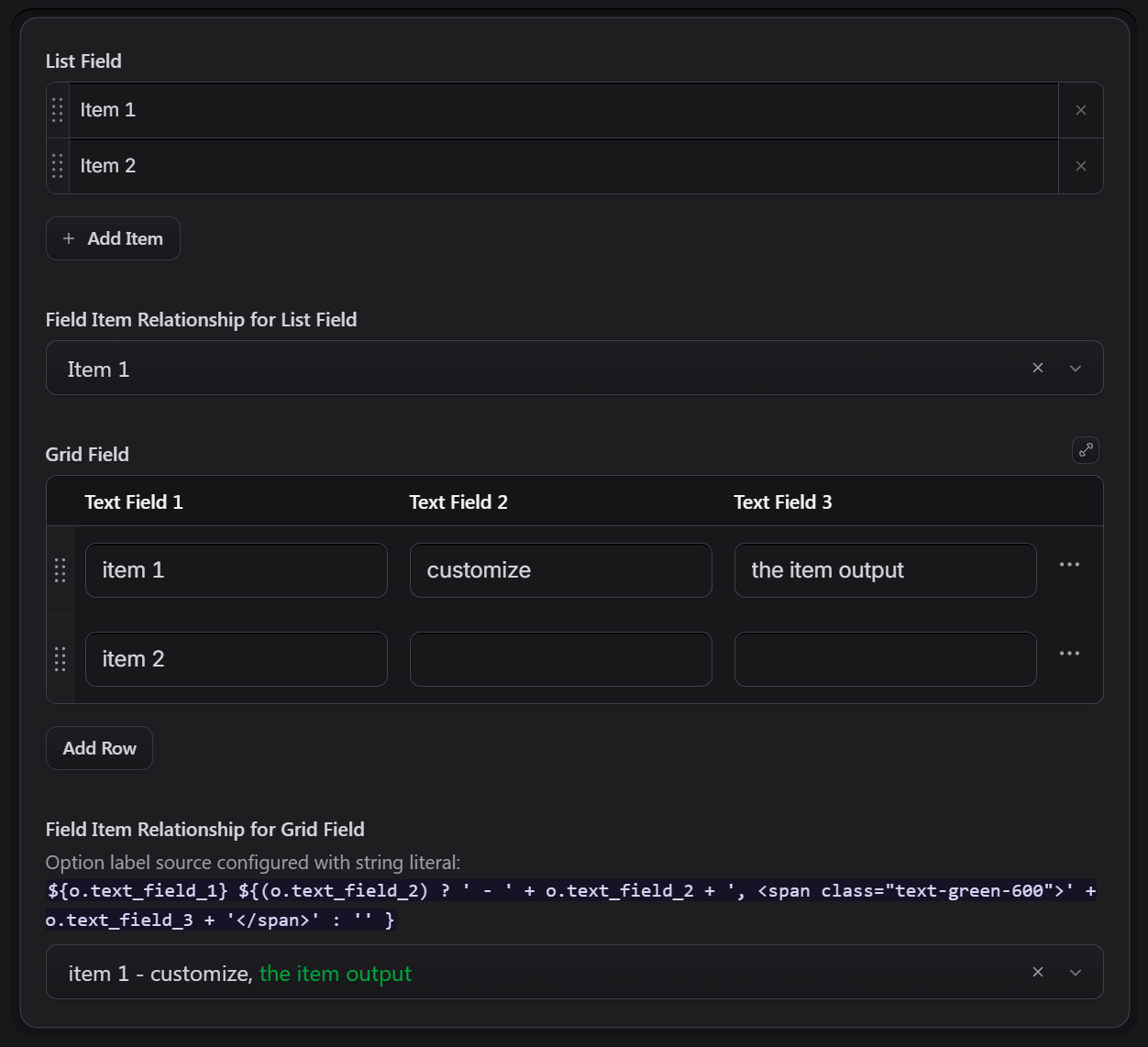
A few different examples.
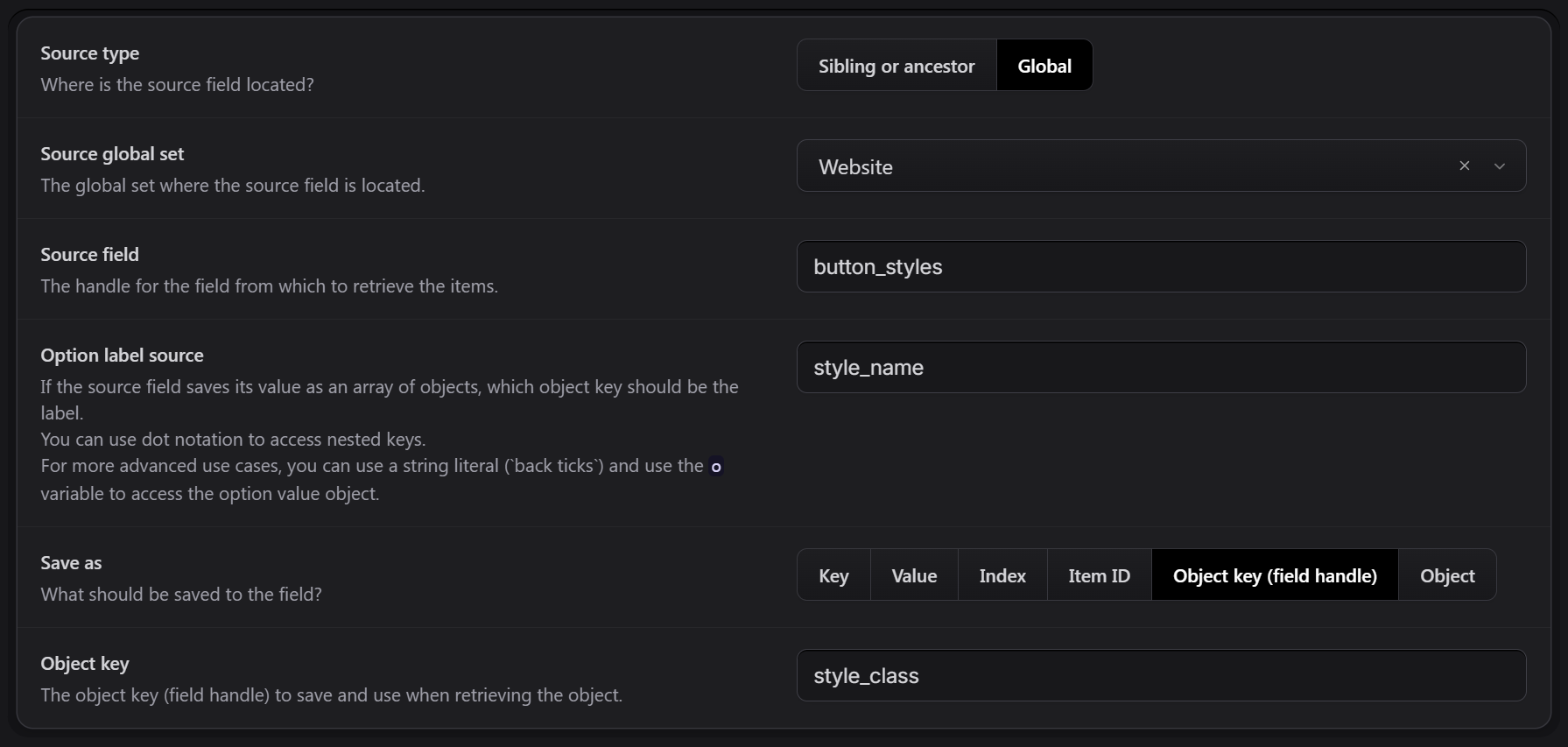
The field configuration options.
Possible improvements
- Multiselect
- More selection fieldtype options (in addition to the Select fieldtype)
- Support Assets fieldtype as source field.
License
The MIT License (MIT). Please see License File for more information.