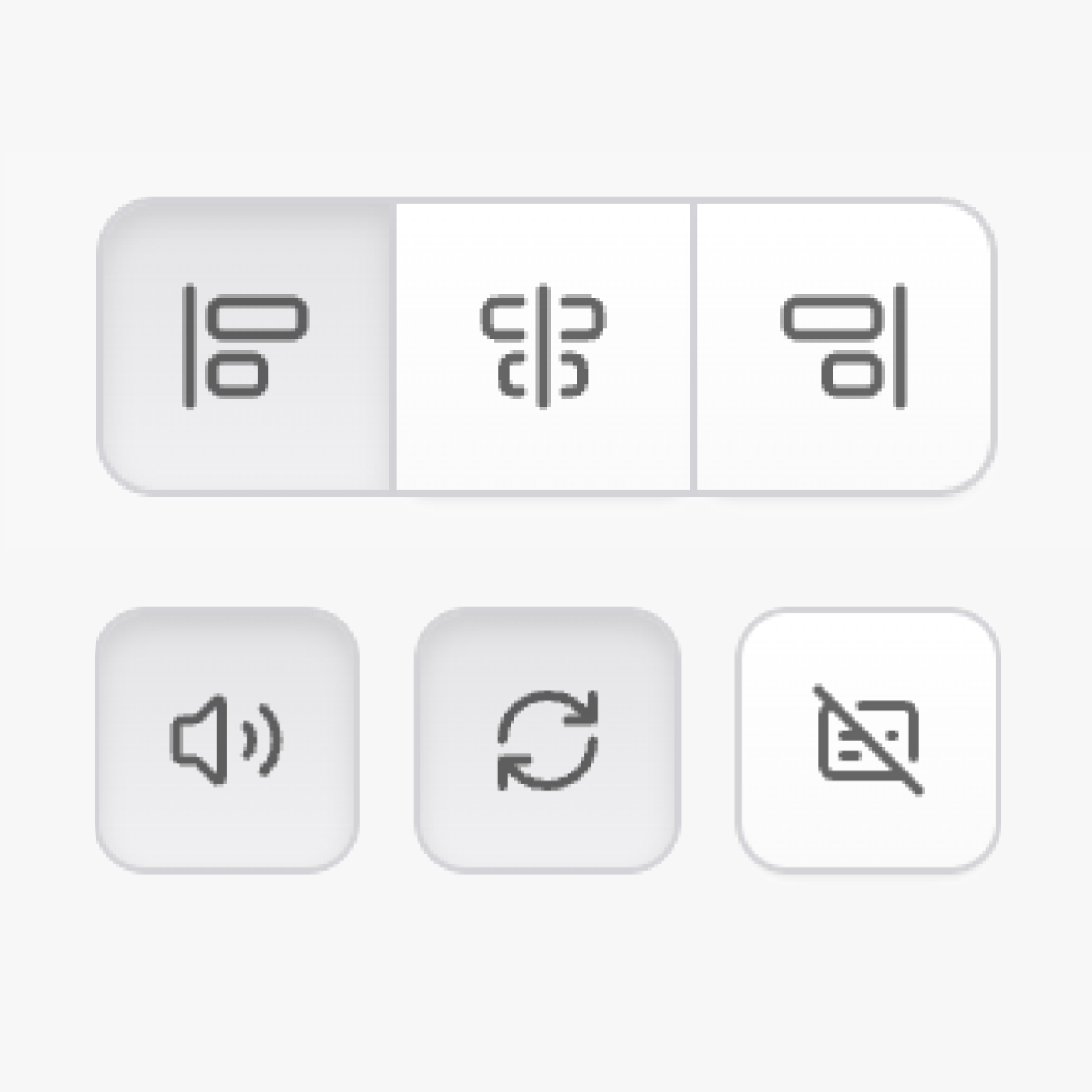

Icon-only button fieldtypes for compact toggles and switches.
Installation
Install the addon via Composer:
composer require daun/statamic-icon-button-fieldtypesFieldtypes
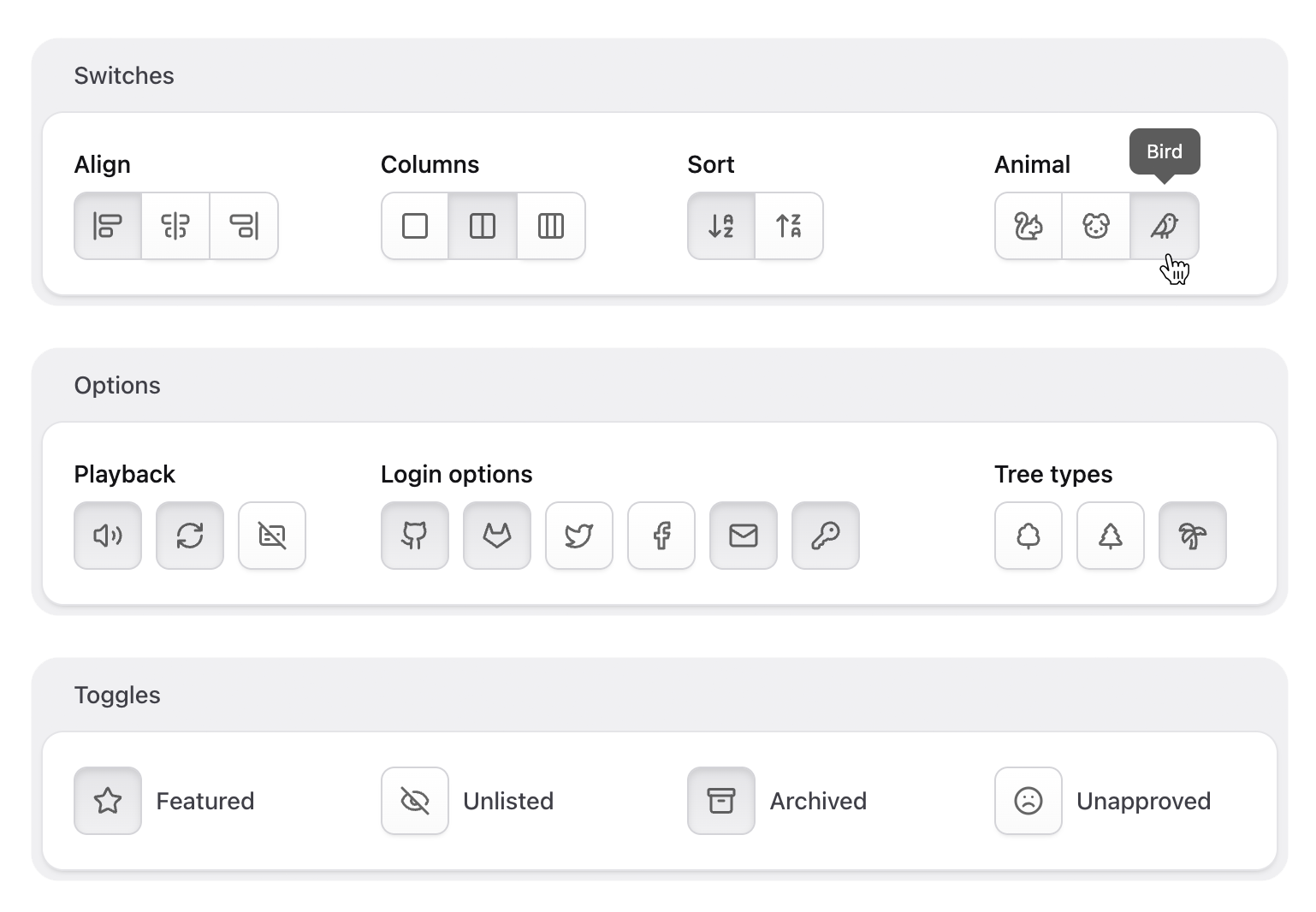
The addon ships with three fieldtypes, each extending a native Statamic fieldtype:
- Single-choice Icon Group extends the native Button Group
- Multi-Choice Icon Toggles extends the Checkboxes fieldtype
- Boolean Icon Toggle extends the Toggle fieldtype
Icon Group
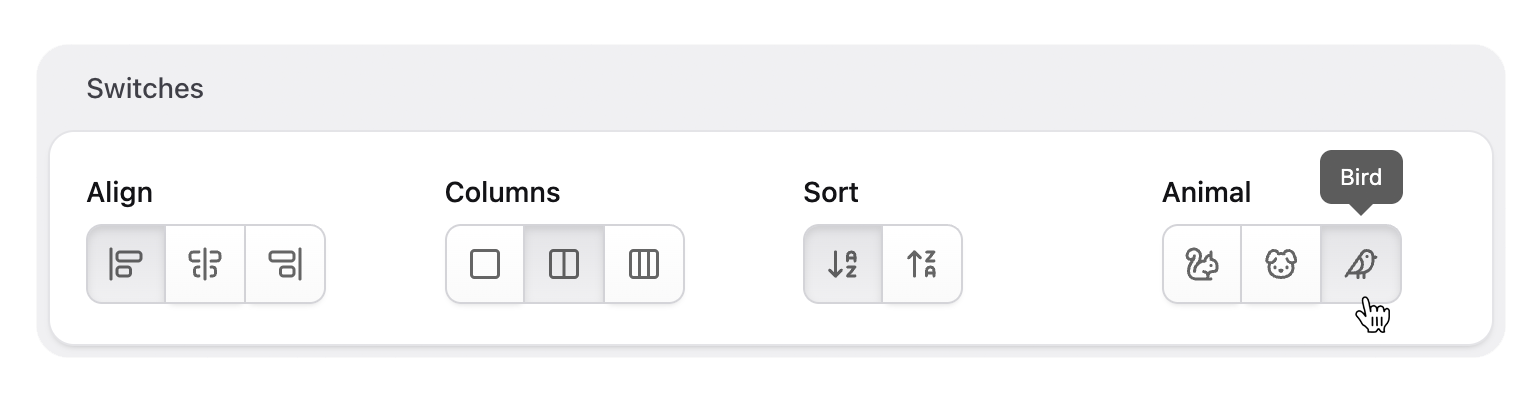
The Icon Group fieldtype extends the native Button Group fieldtype and allows selecting a single option from a predefined set of options.
align: display: Align- type: button_group+ type: icon_group options: - value: Left key: left+ icon: align-start-vertical - value: Right key: right+ icon: align-end-verticalIcon Toggles
The Icon Toggles fieldtype extends the native Checkboxes fieldtype and allows selecting one or more options from a predefined set of options.
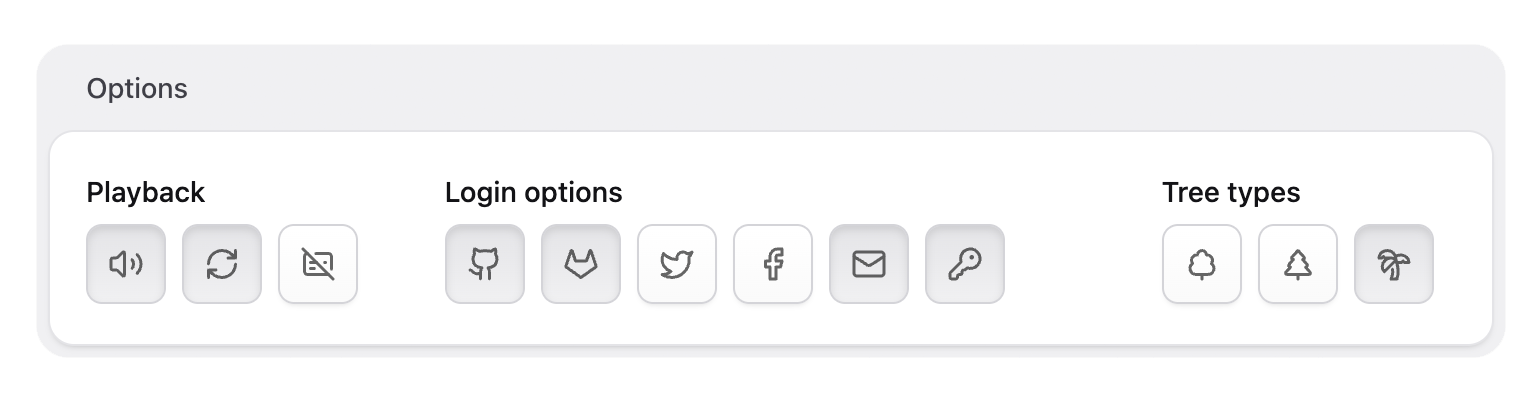
playback: display: Playback options- type: checkboxes+ type: icon_toggles options: - value: sound key: sound+ icon: volume - value: Loop key: loop+ icon: repeat - value: Captions key: captions+ icon: captionsIcon Toggle
The Icon Toggle fieldtype extends the native Toggle fieldtype and allows switching a single value on or off.
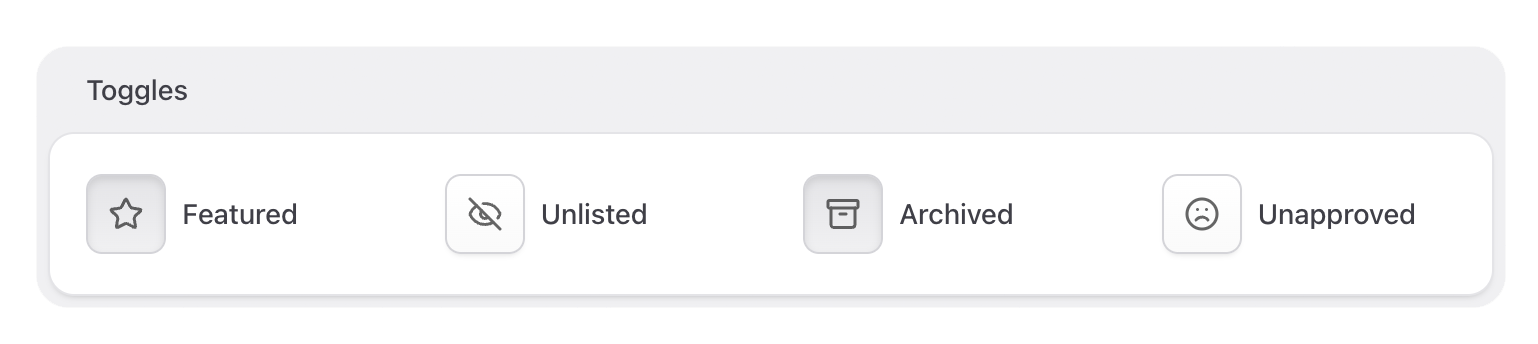
featured: display: Featured- type: toggle+ type: icon_toggle+ icon: starOptionally, show a different icon while the toggle is on:
featured: display: Featured type: icon_toggle icon: star+ icon_when_true: star-filledNote: These options were called
button_iconandbutton_icon_when_true, asiconwas reserved by Statamic 6.32 and below. The old keys are still read and get rewritten the next time the field is saved in the control panel.
Custom Icon Sets
Icons are pulled from the built-in icon set. To use icons from a different set, register a custom icon set and change the set option of each field to the desired set.
Example: Lucide
Install and use the Lucide icon set, used in the examples above.
npm install lucide-staticRegister the icon set in your service provider.
use Statamic\Facades\Icon; class AppServiceProvider extends ServiceProvider { public function register() { Icon::register('lucide', base_path('node_modules/lucide-static/icons')); }}Switch the field to use the custom icon set.
featured: display: Featured type: icon_toggle icon: star+ set: lucideExample: Local SVGs
You can also use local SVG icons in your resources folder.
Icon::register('payments', resource_path('icons/payments'));