
#Protecting content
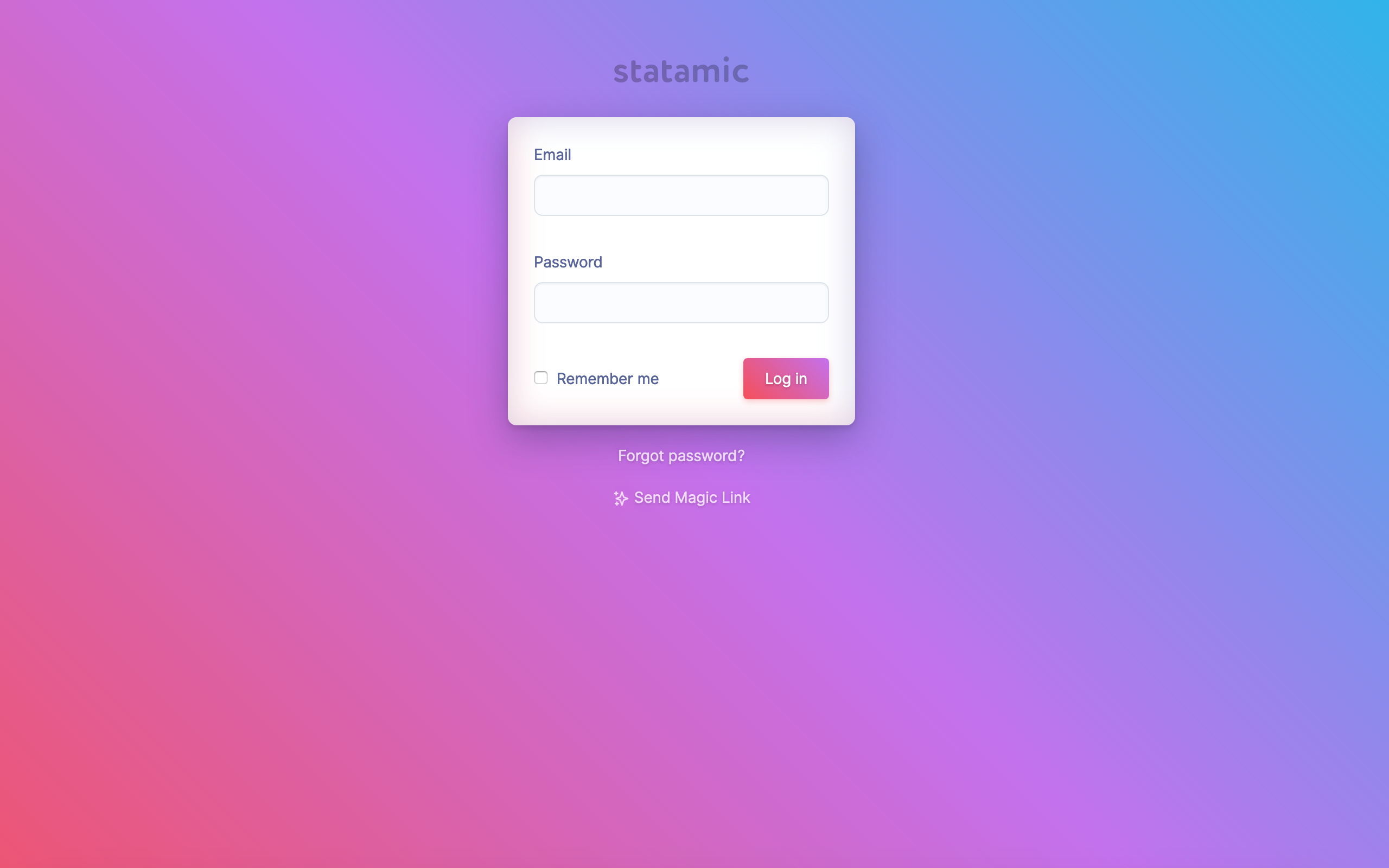
You can use magic links with Statamics Protecting Content feature. When defining a password form just use one of these tags to show a magic link login below the normal password login form:
{{ magiclink:login-link }}: Displays a completely renderedatag. For customizing the html, see Customization.{{ magiclink:login-route }}: Return the route to the magic link form. Use this with your own markup.
#Allowed addresses
You can define which users can request magic links. The default is, that all users that have a CP user account can request a magic link.
#Permissions
The access to settings of MagicLink can be restricted to certain users. When navigation to Permissions inside the Control Panel just create a new role and assign the MagicLink > View settings permission.
#Customization
Views, translations and config settings can be tweaked by you. You just need to run
php artisan vendor:publish --tag=config --provider="Codedge\MagicLink\ServiceProvider"to publish all assets things you like to modify.